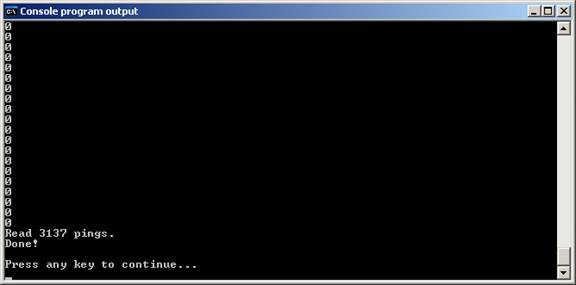
How to get your GGE3353 C code running on windows
Download and Install the Pelles C compiler http://www.smorgasbordet.com/pellesc/
Run the newly installed compiler and open the downloaded “lab1_exmaple.c”

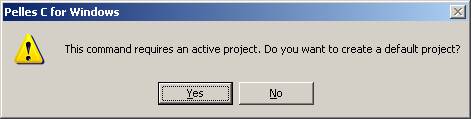
Go to “Project” → “Compile” and say “yes” to the ensuing message, shown below:
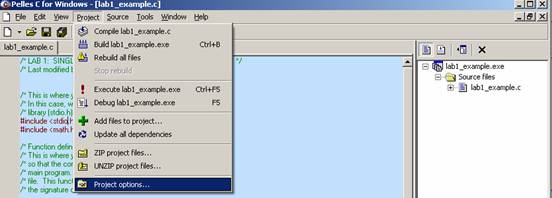
Now go to “Project” → “Project options…”
… and tell it the location of your input data and your working directory.
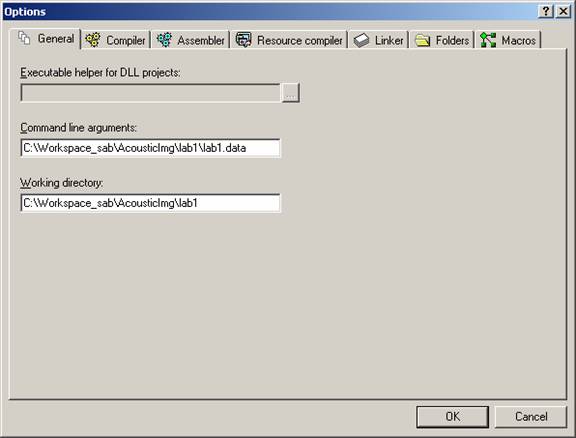
Now you are all set to compile and run your code…
· To compile go to “Project” → “Compile Lab1_example.c”
· To build press “Ctrl-B” or go to “Project” → “Build Lab1_example.c”
· To run press “Ctrl-F5” or “Project” → “execute Lab1_example.c”
And voila there you have the output!